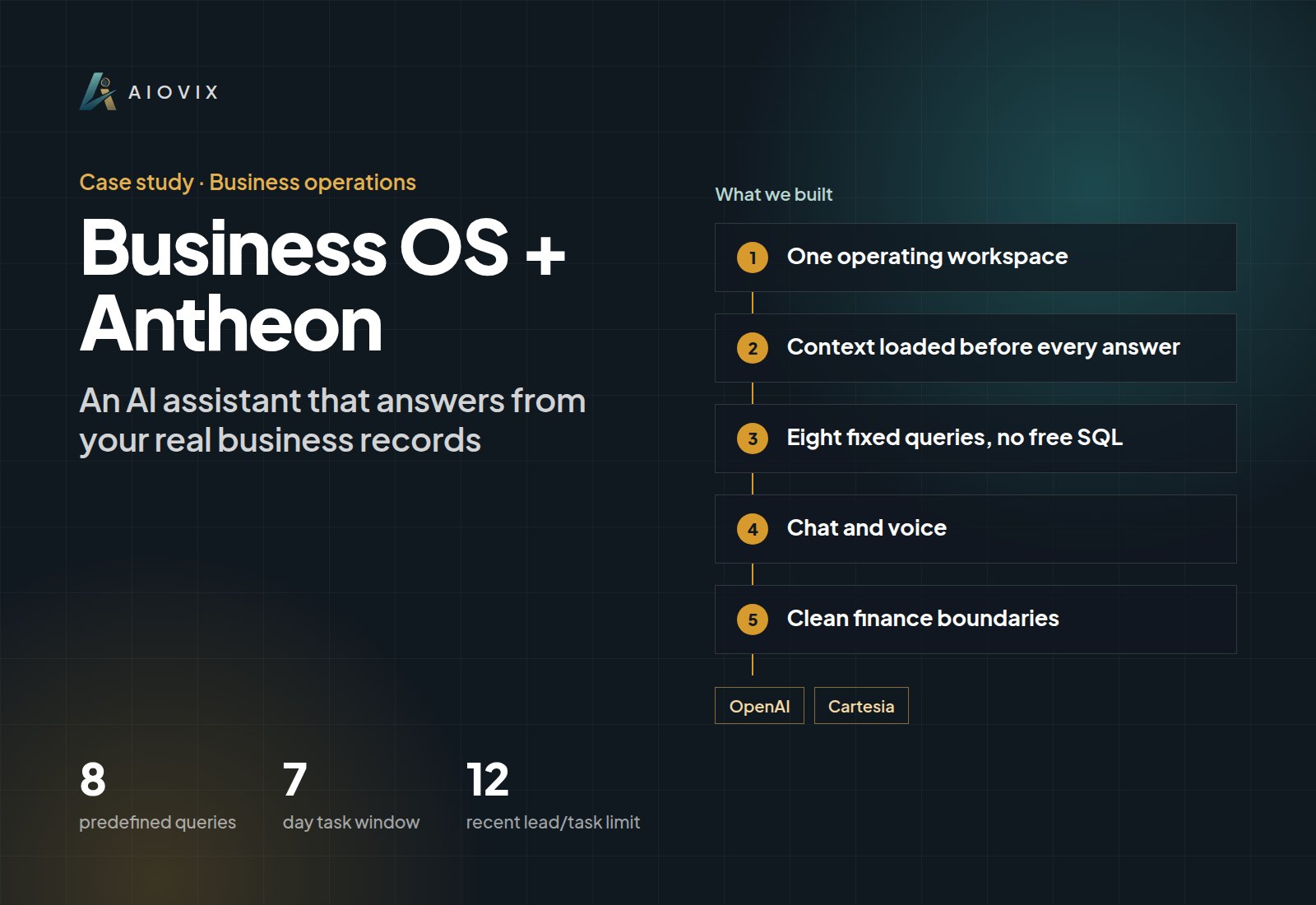
Business OS + Antheon, Business operations
An AI assistant that answers from your real business records
AIOVIX's own operating workspace with an assistant that receives selected business context before responding.
Built for: We run our own company on it every day: leads, projects, calls, invoices, and daily tasks in one workspace.
- predefined queries
- 8
- predefined queries
- day task window
- 7
- day task window
- recent lead/task limit
- 12
- recent lead/task limit
- interfaces: voice and chat
- 2
- interfaces: voice and chat
First agent live in one week. A short call. Your first agent, a fixed quote, and the timeline. No obligation.
Sound familiar?
- “The AI tools we tried only gave generic advice because they couldn't see our leads, tasks, or invoices.”
- “Every morning I paste the pipeline, my follow-ups, and recent calls into a chat just to get a useful answer.”
- “Personal finances and company numbers must never get mixed up in the same view.”
How the system works.
- Step 1
One operating workspace
Business OS combines sales records, project tracking, daily planning, call history, invoices, and a separate personal-finance area.
- Step 2
Context loaded before every answer
Antheon gathers lead totals and stages, pending follow-ups, invoice totals by status and currency, recent calls, and account balances before it responds.
- Step 3
Eight fixed queries, no free SQL
The model never writes its own database queries. Eight predefined, parameterized queries supply bounded context by workspace and user.
- Step 4
Chat and voice
The assistant works by text or voice, and the underlying records stay one click away so every answer can be checked.
- Step 5
Clean finance boundaries
Personal accounts and assets have their own views and currency settings and are never counted as company revenue.
What changed.
- The assistant answers from live workspace data: leads, tasks, invoices, and calls.
- No more pasting the lead summary, upcoming tasks, and recent calls into every conversation.
- 8 predefined queries, a 7-day planning window, and bounded record lists keep the context accurate and controlled.
The AI inside.
OpenAI
Generates answers and briefs from the loaded workspace context
Cartesia
Speech integration for the voice interface
The full stack.
Frontend
- Next.js
- React
Backend
- Node.js
- Express
- Parameterized SQL context service
Data
- PostgreSQL
- TypeORM
AI and automation
- OpenAI
- Cartesia speech
Integrations
- Google APIs
- Stripe
- Email services
- Object storage
This fits you if...
- Your team's work is already recorded, but no AI tool can see it.
- You want an assistant that answers questions about your pipeline, tasks, and invoices.
- You need strict limits on what data an AI can read.
Start with a free Agent Audit. First agent live in one week
The AI Operations Assistant brings this to your team.
An AI team member that handles the admin work across your email, documents, CRM, and spreadsheets, and asks before anything important goes out.
Full project write-upRead itClose
Project overview
An assistant that can see the work already recorded in our business
Services: AI ERP & CRM ; AI Agents ; AI Workflow Automation
Delivery: AIOVIX's own operating workspace and AI interface.
The Problem
We already had leads, follow-ups, projects, calls, invoices, and daily tasks in the application. An assistant that answered without those records could only offer general advice.
There was also a boundary to preserve: personal accounts and assets belong in Finance, but they must not be confused with sales revenue or company accounting.
What We Delivered
Business OS combines sales records, project tracking, daily planning, call history, invoices, and a separate personal-finance area.
Antheon loads selected context before generating a response. Its backend gathers:
- Lead totals and pipeline stages.
- Pending follow-ups and personal tasks.
- Invoice totals grouped by status and currency.
- Recent lead activity and call summaries.
- The user's account and asset balances.
The interface supports chat and voice. The underlying workspace remains available so the user can inspect the records behind the answer.
A Concrete Implementation Choice
The context service uses eight predefined database queries rather than letting the model issue arbitrary SQL.
Upcoming work is bounded to a seven-day window. Recent lead and task lists are limited to twelve records; recent calls are limited to eight. Workspace data is queried by workspace ID, while personal tasks and accounts use the user ID.
Those limits control the amount of context sent to the model. They also mean the answer should not be described as an exhaustive audit of every record.
Finance Workflow
Accounts and assets have separate views, names, colors, balances, and currency settings. The requested experience supports selecting which records contribute to the total and viewing the combined balance in a chosen currency.
This is personal balance tracking within the operating workspace. It does not turn those balances into CRM revenue.
Results
The assistant now receives actual workspace context for the response workflow. The user no longer has to paste the lead summary, upcoming tasks, and recent calls into every conversation.
That is a delivered data connection, not a measured productivity percentage. Antheon and Business OS are one proof: the assistant and the application supplying its context.
Technology stack
Next.js/React; Node.js, Express; PostgreSQL, TypeORM; parameterized SQL context service; OpenAI; Cartesia speech integration; Google APIs, Stripe, email and object-storage services.
Example value calculation
Hypothetical planning example, not a measured project result or a performance forecast. All volumes and timings below are assumed.
Gather selected leads, tasks, invoices, and recent calls, then check the assistant's brief.
- Workload: 22 daily workspace reviews per month.
- Manual handling: 15 minutes per item.
- Assisted handling, including human review: 7 minutes per item.
- Additional exception handling: 22 minutes in the same period.
- Modeled difference: 22 x (15 - 7) - 22 = 154 minutes (2 hours 34 minutes) per month.
The example reserves another 22 minutes per month for source-record checks. The bounded context queries do not cover every business record. This is potential staff capacity, not cash savings; setup, training, and software costs are excluded.
How to validate: Time comparable daily reviews, including opening source records and correcting answers. Record omissions caused by the query limits; do not count the same preparation time again under another MCP workflow.
Related case studies.
Closeum
One system from the sales call to the commission
AI: OpenAI, Recall.ai
Connexions Recovery
Every admissions call becomes a record staff can act on
AI: OpenAI Realtime, OpenAI Whisper
HubSpot MCP
Every HubSpot deal reviewed and given a clear next step
AI: Model Context Protocol (MCP), AI account synthesis and drafting
Want this for your team?
Book a short audit call and show us the workflow. You leave with the first agent we would build, a fixed quote, and the timeline.