HubSpot MCP, Sales operations
Every HubSpot deal reviewed and given a clear next step
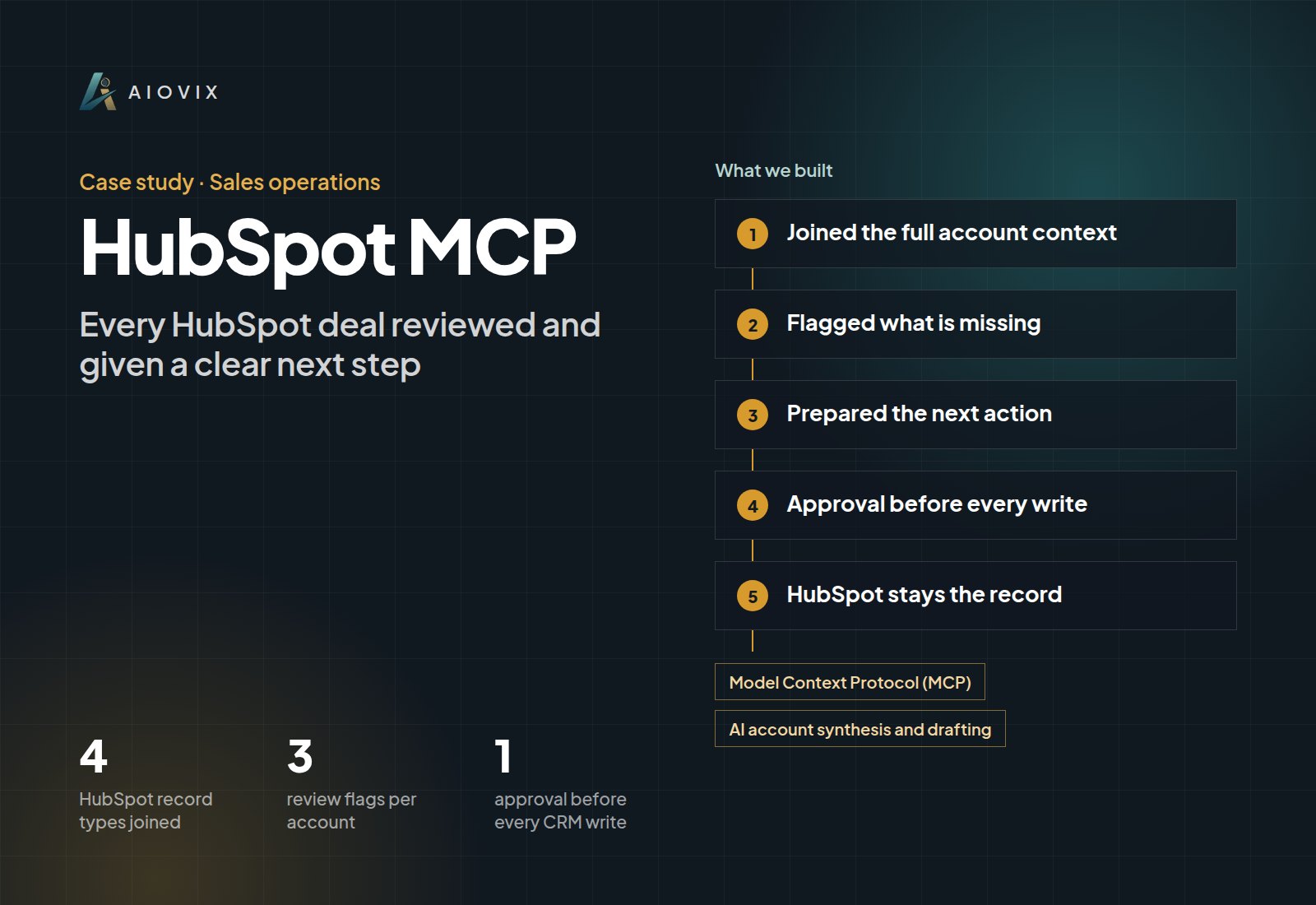
An internal HubSpot MCP workflow that turns related account records into a brief and a proposed next action.
Built for: We run this on our own pipeline every week. The same build is available for your HubSpot.
- HubSpot record types joined
- 4
- HubSpot record types joined
- review flags per account
- 3
- review flags per account
- approval before every CRM write
- 1
- approval before every CRM write
First agent live in one week. A short call. Your first agent, a fixed quote, and the timeline. No obligation.
Sound familiar?
- “Half our deals have no next step, and nobody notices until the month is over.”
- “Getting the full story on one account takes ten minutes of clicking.”
- “Follow-ups slip because nobody notices a deal has gone quiet until it is too late.”
How the system works.
- Step 1
Joined the full account context
MCP tools pull companies, contacts, open deals, activity history, pipeline stage, and ownership together, so the review never looks at a deal title alone.
- Step 2
Flagged what is missing
Inactive deals, missing follow-ups, and incomplete context are raised as review flags, not treated as certainty about buyer intent.
- Step 3
Prepared the next action
Each review ends with a contextual draft, a proposed task, or a proposed deal update.
- Step 4
Approval before every write
The seller approves the task or change before anything is written back to HubSpot.
- Step 5
HubSpot stays the record
The workflow supports the existing sales process instead of creating a shadow pipeline.
What changed.
- CRM history turned into an account brief and a reviewable next action for every deal.
- Approved tasks and updates written straight back to HubSpot, with no copy-paste into a separate prompt.
- Stalled deals and missing follow-ups visible during review instead of at quarter end.
- Nothing is written back to HubSpot until a person approves it, and every change is logged.
The AI inside.
Model Context Protocol (MCP)
Retrieval and action tools for HubSpot companies, contacts, deals, and activities
AI account synthesis and drafting
Summarizes the account, spots missing actions, and drafts the follow-up or task
The full stack.
AI and automation
- MCP retrieval tools
- MCP action tools
- AI account synthesis and drafting
Integrations
- HubSpot companies
- HubSpot contacts
- HubSpot deals and activities
- AIOVIX sales work tracking
This fits you if...
- Your pipeline lives in HubSpot but deal reviews still take hours each week.
- Deals regularly stall without anyone noticing a missing follow-up.
- You want AI help in the CRM without letting it change records on its own.
Start with a free Agent Audit. First agent live in one week
The AI Operations Assistant brings this to your team.
An AI team member that handles the admin work across your email, documents, CRM, and spreadsheets, and asks before anything important goes out.
Full project write-upRead itClose
Project overview
An account review that ends with a follow-up task
Services: MCP Integrations ; AI Agents ; AI Workflow Automation ; AI ERP & CRM
Delivery: AIOVIX internal HubSpot workflow.
The Problem
A deal can have an owner, a stage, several contacts, and a long activity history without a clear next action.
The seller must connect the latest interaction to the open deal and identify what is missing: a follow-up, a decision, or a piece of account context. The records exist in HubSpot, but the review still takes work.
What We Delivered
The MCP workflow retrieves companies, contacts, open deals, activity history, pipeline stage, and ownership.
It organizes that material into an account brief and flags inactive deals, missing follow-ups, and incomplete context for review. It then prepares a contextual draft or a proposed task or deal update.
The seller approves the action before the workflow writes the change.
A Concrete Review Pattern
A deal has a recent conversation but no recorded next activity. The workflow can place the conversation and missing action together in the brief and prepare a follow-up task.
It cannot conclude that no contact occurred outside HubSpot or invent what the buyer agreed. The seller checks the proposed action against their knowledge of the account.
This is an example of the review logic, not a fabricated client outcome.
Engineering Decisions
Join the related records. The company, contacts, deal, and activities form the account context; reviewing only the deal title would miss relevant information.
Treat missing data as a review flag. A blank field or absent activity is not certainty about buyer intent.
Separate suggestions from CRM writes. Tasks and deal changes pass through human approval.
Keep HubSpot as the working record. The assistant supports the existing sales process instead of creating a separate shadow pipeline.
Results
The completed workflow turns CRM history into an account brief and a reviewable action. The seller can prepare the next communication and record the approved follow-up without moving the context into a separate prompt manually.
No deal-velocity, conversion, or pipeline-recovery percentage has been supplied. Those outcomes require a dated comparison, not a count of AI-generated tasks.
Connected Stack
HubSpot companies, contacts, deals, activities, ownership, and pipeline context; MCP retrieval and action tools; AI account synthesis and drafting; AIOVIX sales work tracking. Exact runtime, provider, and deployment details need the implementation record.
Example value calculation
Hypothetical planning example, not a measured project result or a performance forecast. All volumes and timings below are assumed.
Read account activity, identify the missing next action, and approve a task or draft.
- Workload: 40 deal reviews per week.
- Manual handling: 8 minutes per item.
- Assisted handling, including human review: 3 minutes per item.
- Additional exception handling: 20 minutes in the same period.
- Modeled difference: 40 x (8 - 3) - 20 = 180 minutes (3 hours) per week.
The example reserves another 20 minutes per week for incomplete records and failed actions. More tasks do not establish more closed deals. This is potential staff capacity, not cash savings; setup, training, and software costs are excluded.
How to validate: Track seller minutes per reviewed deal, rejected suggestions, duplicate tasks, and failed writes. Compare similar deal stages and keep sales conversion separate.
Related case studies.
Want this for your team?
Book a short audit call and show us the workflow. You leave with the first agent we would build, a fixed quote, and the timeline.