Work moves manually between email, spreadsheets, CRMs, documents, and staff. Nobody has a reliable view of what ran, what failed, or what still needs a decision.
02 / AI Agents
AI Agents
Turn repeated work across inboxes, spreadsheets, and software into one controlled AI workflow.
Customer support, sales, research, follow-up, and internal business agents.
We separate model judgment from business rules. AI agents interpret variable inputs and use approved tools; workflows enforce permissions, state transitions, approvals, retries, and audit logs.
What the build includes
A complete production workflow.
Agent and tool design
Clear agent responsibilities, available tools, blocked actions, memory boundaries, and approval requirements.
Workflow orchestration
Triggers, queues, task routing, retries, schedules, integrations, and human review states.
Operations interface
A practical dashboard for open work, exceptions, approvals, history, and ownership.
Evaluation and monitoring
Test cases, structured logs, failure alerts, cost tracking, and quality checks before expansion.
Technology and fit
Built with the right tools, not every tool.
The exact stack follows the workflow, security requirements, existing systems, and deployment environment.
Technologies
LangGraphOpenAI Agents SDKClaudeTemporaln8nPythonFastAPINode.jsRedis
Industries
Expected outcomes
- →Less manual routing
- →Shorter approval cycles
- →Fewer missed handoffs
- →Visible exceptions
- →Repeatable agent behavior
Related work
What we have already shipped.
These examples show the type of workflow, product, or operating system this offer is built to solve.
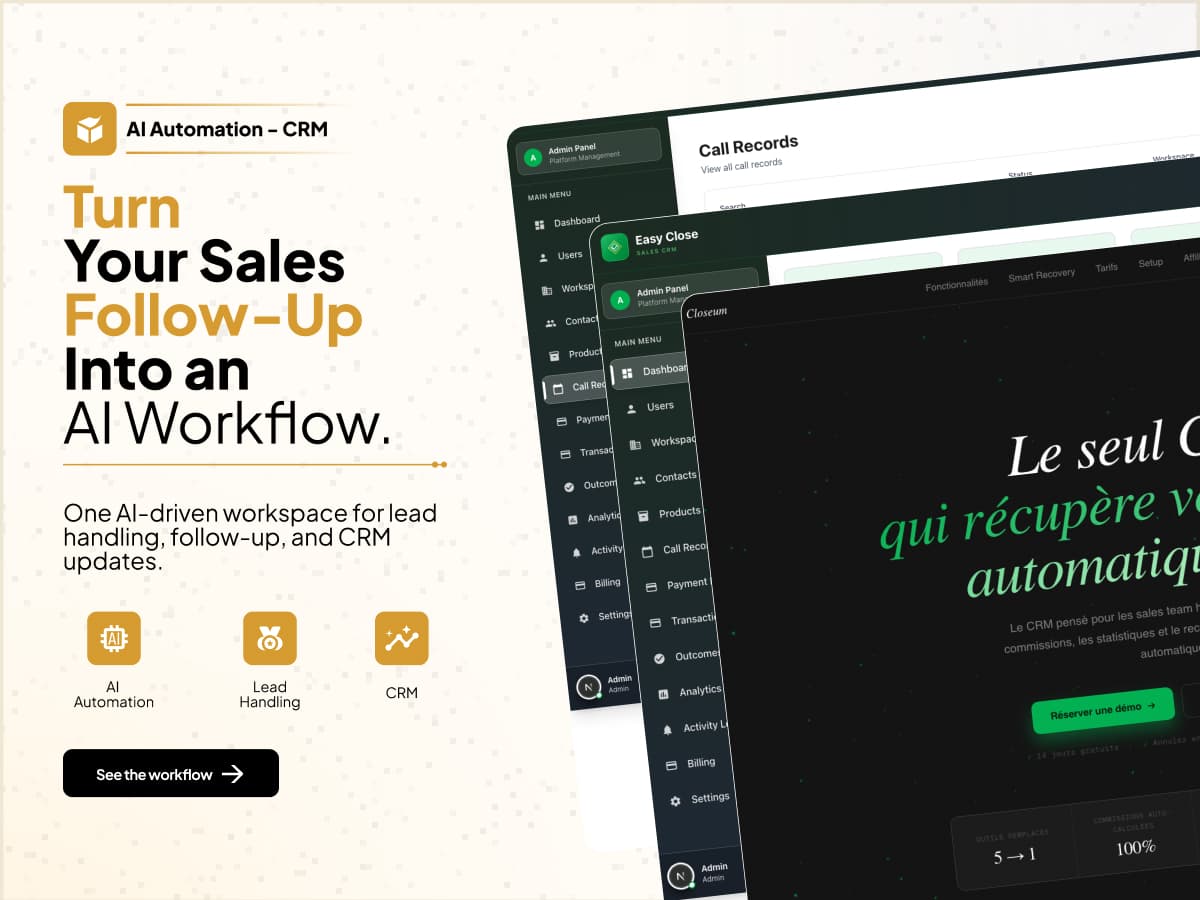
Closeum
13+ connected modules from calls through commissions
A sales platform that carries call context into lead management, reporting, payments, and commissions.
13+connected modules
$99.5K+historical tracked revenue
32historical transactions
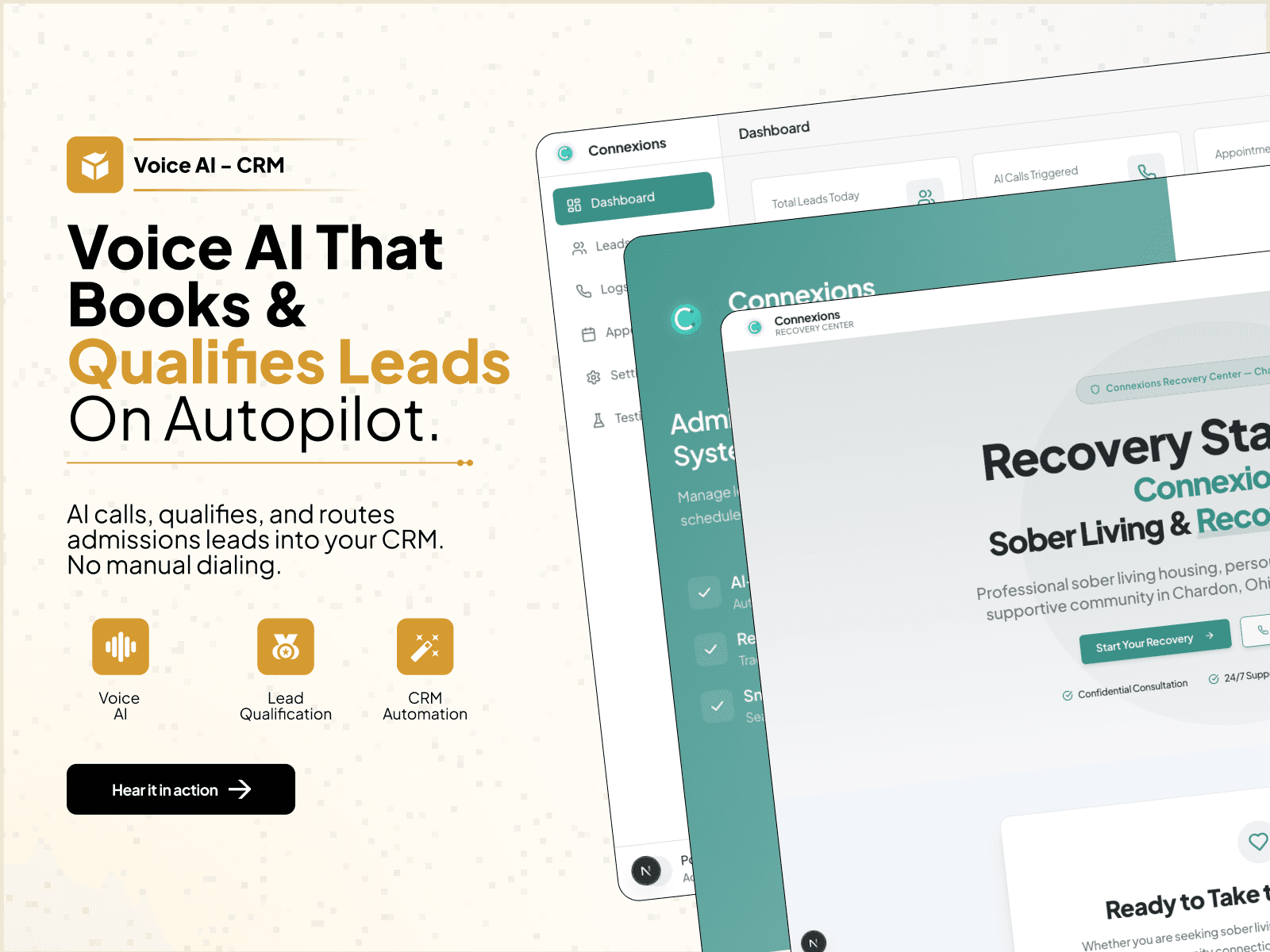
Connexions Recovery
Admissions intake, calls, and staff handoff in one record
A recovery-admissions workflow that connects intake, voice calls, communication history, and staff follow-up.
150+historical call records
28+historical admission leads
4communication paths
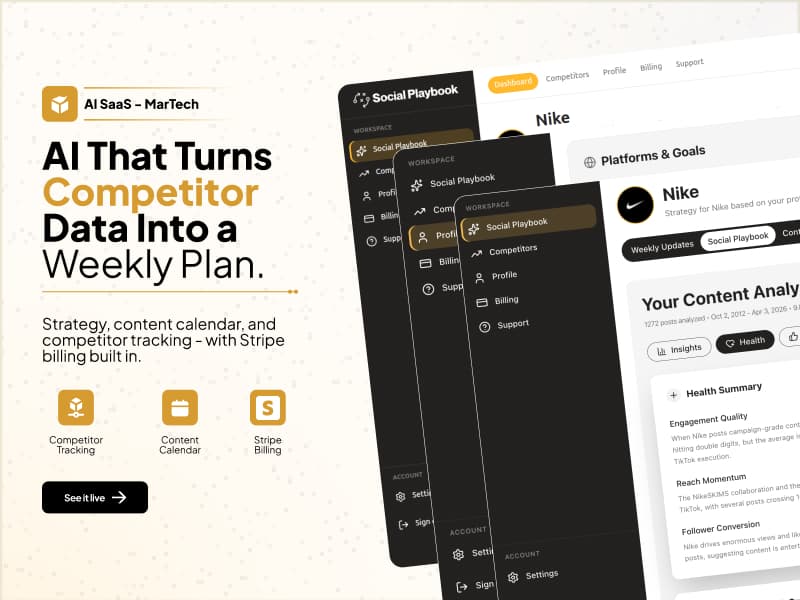
Social Playbook
Competitor research turned into a weekly content plan
A content-operations SaaS that turns competitor activity into a reviewable strategy and weekly planning workflow.
14,200+reported posts analyzed
5social platforms
25competitor capacity
Planroom
15 real bid packages evaluated for extraction quality
A construction-document workflow built for structured extraction and project-scoped retrieval.
15packages evaluated
62largest package documents
1,543specification pages
Frameflow
Five-stage UGC-style video generation pipeline
A five-stage video generation application designed around asynchronous provider work and callback-driven progression.
5generation stages
10sconfigured output
~$1.35legacy provider estimate
Flowe
90% faster strategy creation with connected backtesting and risk review
A trading-strategy research product that connects AI preparation to backtesting and risk analysis.
90%faster strategy creation
34%higher backtested returns
45%lower backtested drawdown
Common questions
Before we scope it.
What is an AI agent in a business workflow?
It is a model-backed worker with a defined role, approved tools, context, and boundaries. It can interpret information and prepare or complete actions, while the workflow controls state and approval.
Should every workflow use multiple agents?
No. Many processes need one model call and reliable orchestration, not a multi-agent system. We use additional agents only when separate responsibilities improve control or quality.
Can AI agents run inside our cloud environment?
Yes. We can deploy the application, data, queues, and observability inside an approved AWS, Azure, or Google Cloud environment.
Free Audit
Get Free Audit ↗Know what to build first.
We review the workflow, recommend the first build, and give you a rough price range and timeline before you commit.