Work moves manually between email, spreadsheets, CRMs, documents, and staff. Repeated tasks slow the team down and important handoffs get missed.
03 / Workflow Automation
AI Workflow Automation
Connect the tools your team uses and remove repetitive work from the daily operation.
Connect tools and automate repetitive sales and operational work.
We map the current process, connect the systems involved, automate the repeatable steps, and leave clear review points for decisions that still need a person.
What the build includes
A complete production workflow.
Workflow mapping
The current process, systems, owners, exceptions, and repeatable steps documented before automation begins.
Connected tools
CRM, email, forms, databases, spreadsheets, calendars, and internal platforms connected through APIs or approved integrations.
Automated operations
Triggers, routing, follow-up, approvals, notifications, reporting, and scheduled work running with clear status visibility.
Review and monitoring
Human approval points, retries, failure handling, logs, and dashboards for work that needs attention.
How a project runs
Four steps, no surprises.
- 01
Discovery call
A short call about the goal and the first workflow or feature worth building.
- 02
Written scope
What is built, which tools it touches, what a person approves, and the timeline, agreed before work starts.
- 03
Build and review
Short iterations connected to your tools, reviewed with your team before anything ships.
- 04
Launch and handoff
Go-live with documentation and an owner on your side. You own what we build.
Technology and fit
Built with the right tools, not every tool.
The exact stack follows the workflow, security requirements, existing systems, and deployment environment.
Technologies
n8nMakePythonFastAPINode.jsPostgreSQLRedisREST APIsWebhooks
Industries
Expected outcomes
- →Less manual work
- →Faster handoffs
- →Fewer missed tasks
- →Connected systems
- →Visible operations
Related work
What we have already shipped.
These examples show the type of workflow, product, or operating system this offer is built to solve.
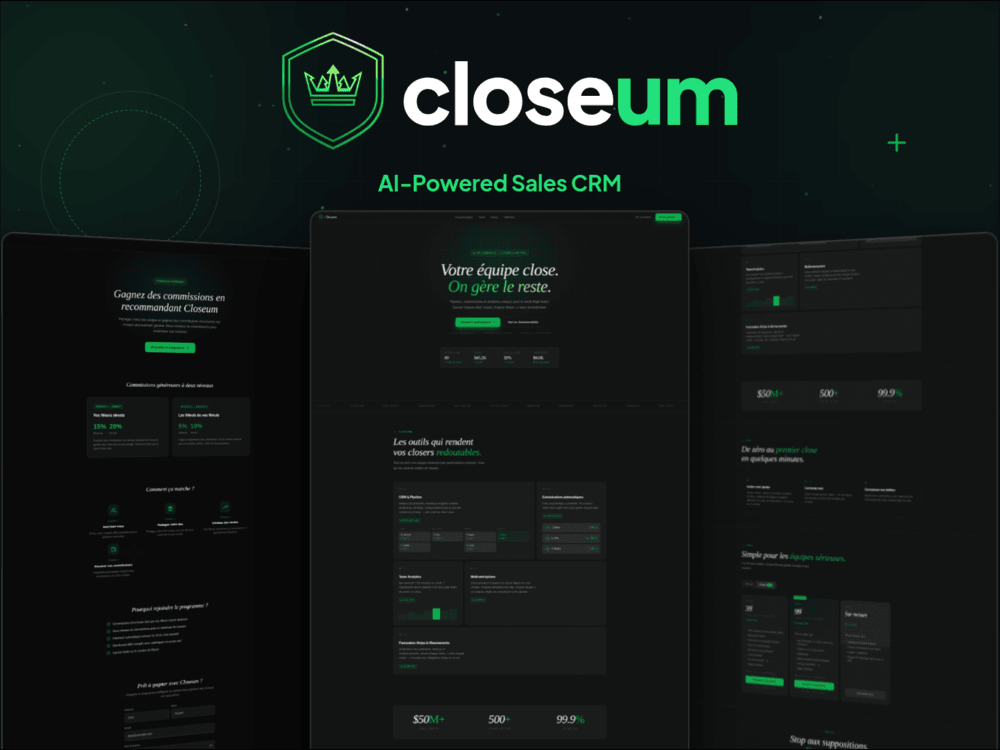
Closeum
13+ connected modules from calls through commissions
A sales platform that carries call context into lead management, reporting, payments, and commissions.
13+connected modules
5role types
32completed transactions
40+leads managed
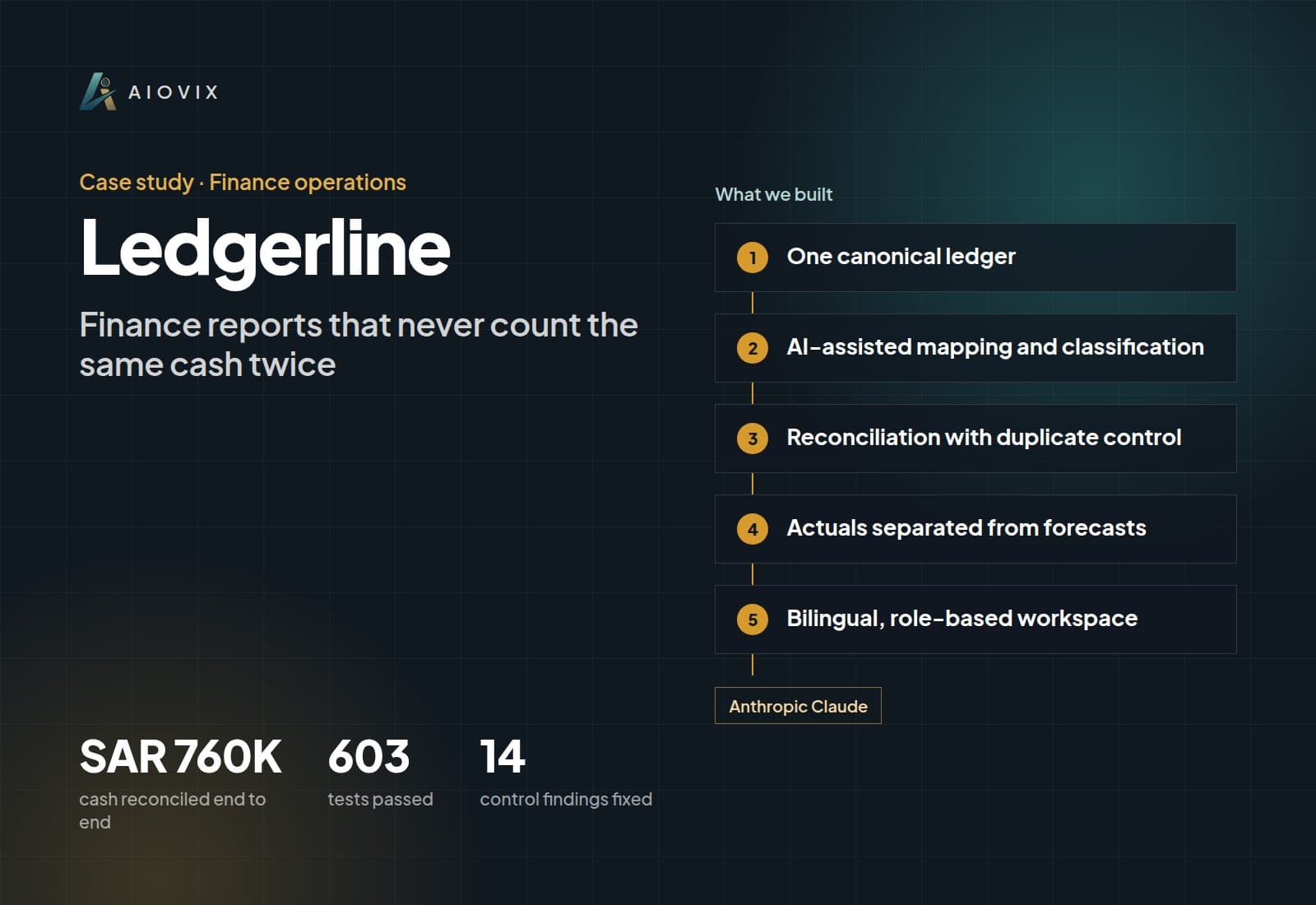
Ledgerline
603 tests passed in a dated financial-control verification
A bilingual finance workspace designed to distinguish actual cash, expected cash, and source-system records.
SAR 760Kcash reconciled end to end
603tests passed
14control findings fixed
3finance sources in one ledger
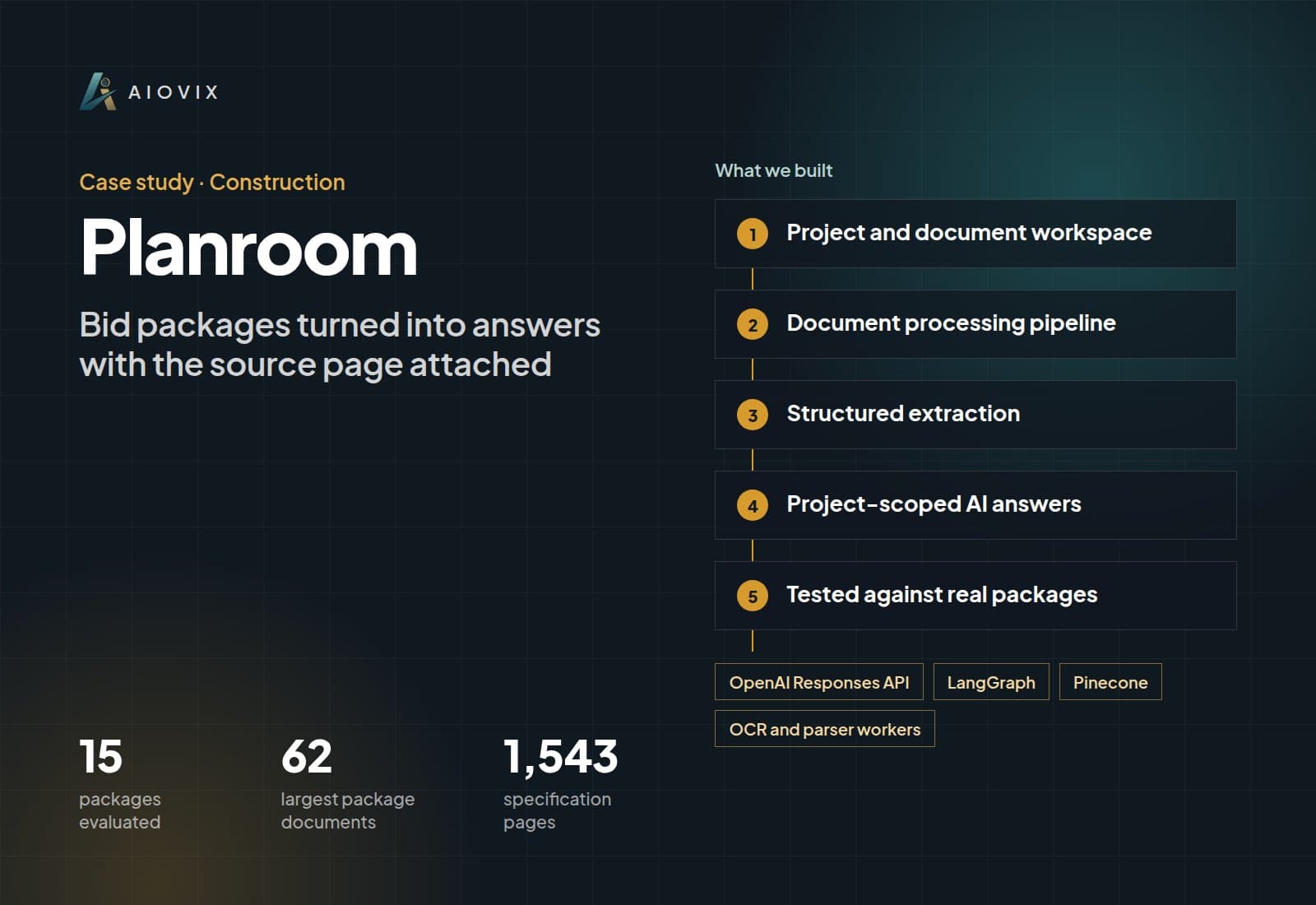
Planroom
15 real bid packages evaluated for extraction quality
A construction-document workflow built for structured extraction and project-scoped retrieval.
15packages evaluated
62largest package documents
1,543specification pages
10packs reviewed in depth
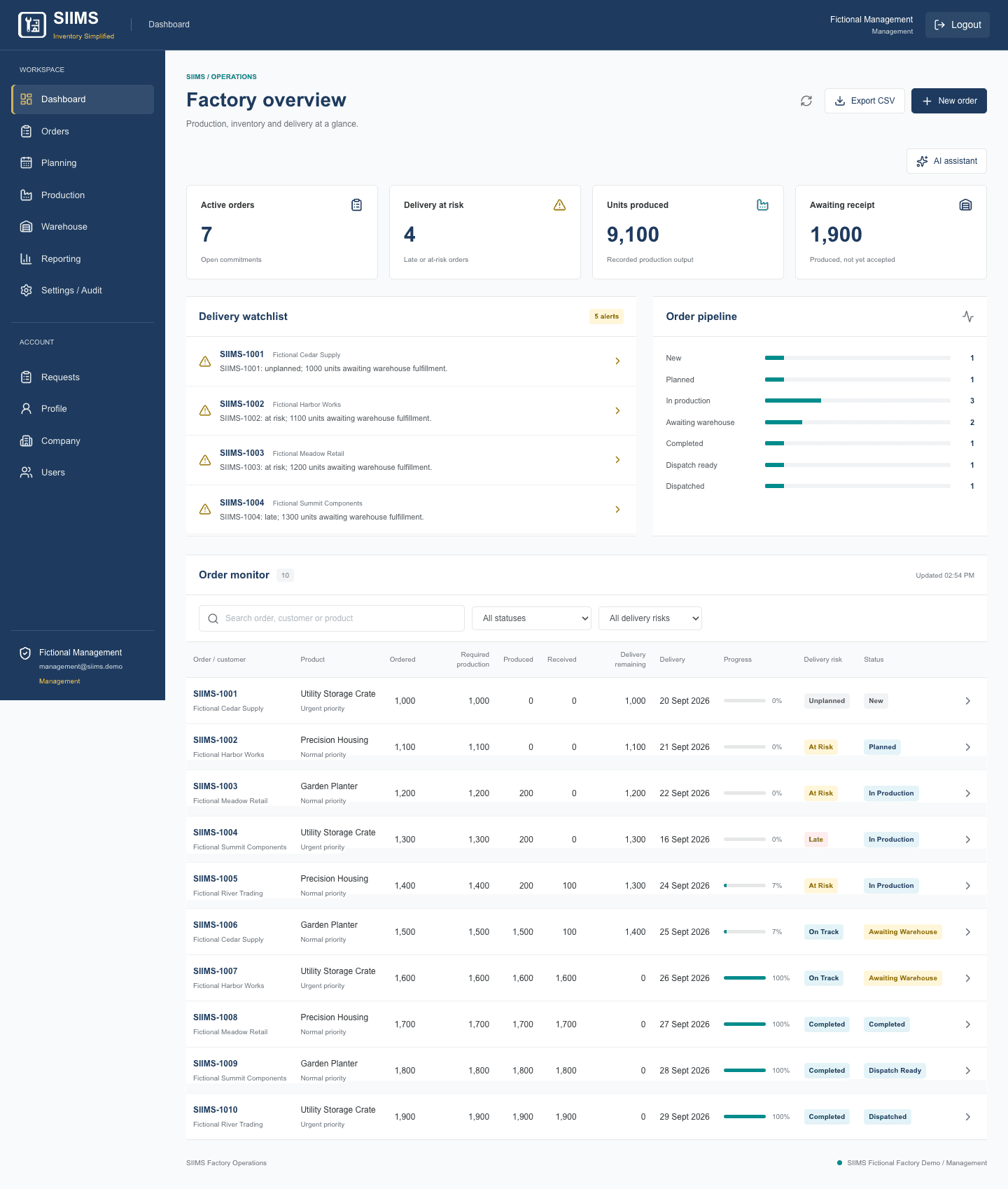
SIIMS
Orders, production, warehouse, and dispatch on the same records
A manufacturing ERP MVP connecting customer orders, machine planning, production output, warehouse fulfillment, dispatch, and a read-only factory AI assistant.
4operational roles
37backend tests passed
17hosted workflow tests passed
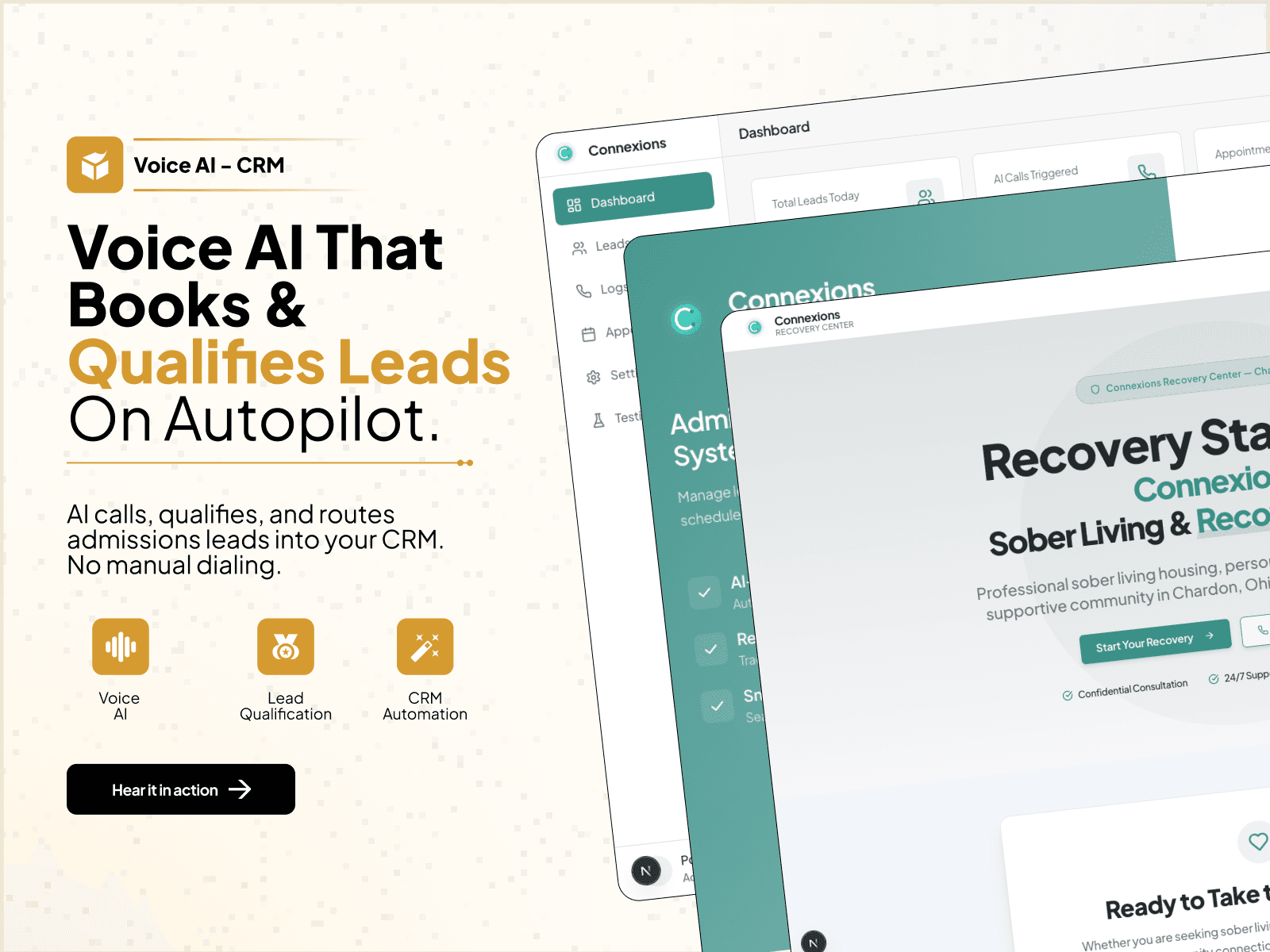
Connexions Recovery
Admissions intake, calls, and staff handoff in one record
A recovery-admissions workflow that connects intake, voice calls, communication history, and staff follow-up.
150+call records
28+admissions leads
4communication paths
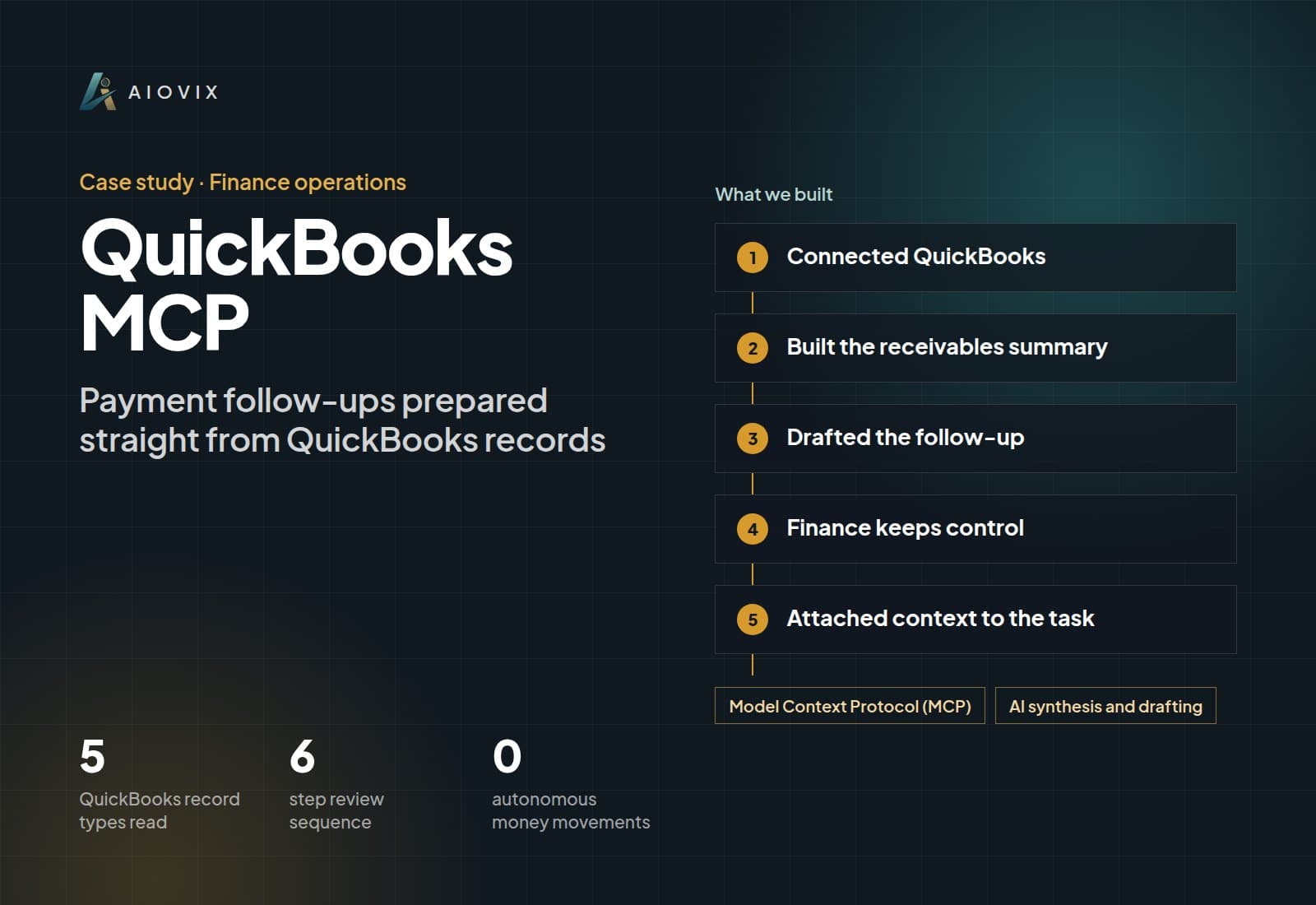
QuickBooks MCP
Invoice and payment context ready before the follow-up
An internal finance MCP workflow that gives payment follow-up the invoice and customer context it needs.
5QuickBooks record types read
6step review sequence
0autonomous money movements
Common questions
Before we scope it.
What can you automate?
Common examples include lead routing, CRM updates, document handoffs, follow-up, reporting, approvals, notifications, and data synchronization between tools.
Do we need to replace our current software?
Usually no. We connect the tools you already use and automate the manual steps between them.
Can a person review work before it is finalized?
Yes. We can add approval queues, exception handling, and audit history wherever the workflow needs human judgment.
Keep exploring
Related services and technologies.
Related services
Free Audit
Get my free Audit ↗Know what to build first.
We review the workflow, recommend the first build, and give you a rough price range and timeline before you commit.